
For weather mutations, place the pets you want to improve in your pen during a weather event, then check their labels afterward. Pets left in inventory are outside that weather-mutation process.12
The developer describes mutation as a way to make pets faster. Use the resulting pet's current stats to decide whether it should become your mount or stay on the plot.3
Scheduled Mutations event
The earlier official Roblox calendar listed a week-long MUTATIONS event billed as More Content. At the 23 September recheck, Virtual Events no longer returned that listing and its event page returned HTTP 404. The prior window and the screens to reread are on the update record. This weather-mutation guide does not establish that the old event is still open.
That event name does not replace the Index rows below. Until a new recording shows a different tab, label, or multiplier, treat Shocked, Volted, Rage, Void, and Eternal as the weather-mutation reference, and keep the intended pet placed while an event runs.
Put the intended pet on the plot
Open Pets and place a pet you expect to keep using. Check its name in the pen so you know which one you are trying to improve.
With limited space, start with pets already useful for travel or income. This is a way to prioritize your lineup, not a claim that stronger pets have better mutation chances.
Published weather guides also describe ridden pets as eligible.1 Leaving a chosen pet on the ranch makes it easy to find and inspect while you manage the rest of the plot.
Watch the event, then the pet
Use the weather event's displayed name rather than identifying it by sky color alone. For example, Thunder is associated with Shocked in published weather guides.1
Keep the chosen pets placed while the event runs. Look for a mutation notification or a changed label on the pet. Being present gives it an opportunity; an event ending without a change is not, by itself, a placement error.2
Continue hatching and managing the plot between events. Avoid putting every other task on hold while waiting for one particular effect.
Read the mutation separately from the pet's species
Open Index: Mutations to inspect the mutation reference. Names in published lists include Shocked, Volted, Rage, Void, and Eternal.4
For the pet you own, read its applied label and current values. Compare the lightning-marked movement field for riding and the cash-per-second field for earning. A mutation name tells you which effect to inspect; the displayed result tells you whether it improves your current setup.
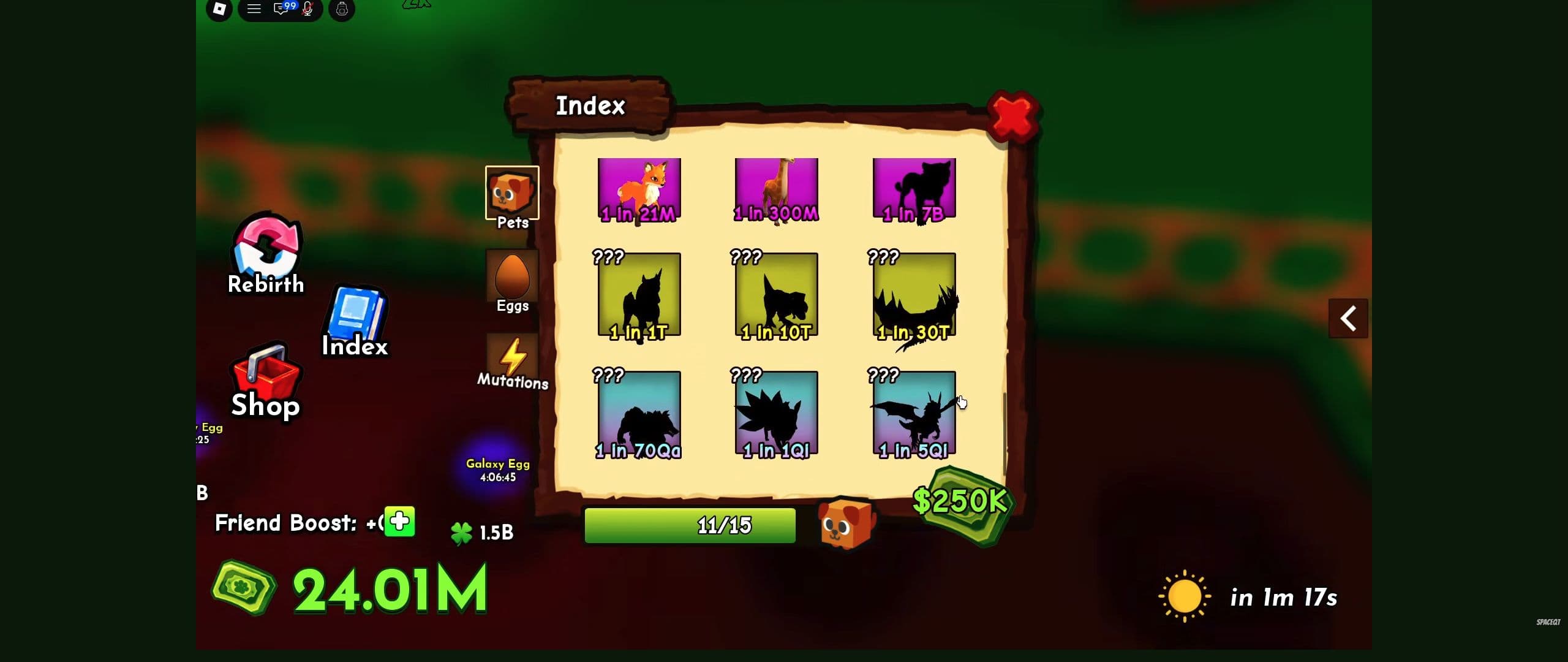
The Index at 3:40 in SpaceQT's video shows where to find the tab.
Weather mutation multipliers shown in the Index
Shocked, Volted, and Rage have visible multipliers on both the coin and lightning fields. The published Index image also shows coin-field multipliers for Void and Eternal, but their lower lightning rows are cropped out.5
| Weather mutation | Coin-field multiplier | Lightning-field multiplier |
|---|---|---|
| Shocked | 2× | 2× |
| Volted | 3× | 3× |
| Rage | 4× | 4× |
| Void | 10× | Not visible in the image |
| Eternal | 100× | Not visible in the image |
The coin field represents the displayed cash modifier; the lightning field is the movement modifier. These are multipliers, not cash-per-second amounts or measured movement speeds. Shocked's 2× coin entry does not mean the pet earns $2 per second, and its 2× lightning entry does not give a speed in metres per second.
The table records the Index's listed modifiers. It is not a before-and-after measurement of a particular pet.5
Choose the pet by the result you need
For a travel decision, Shocked, Volted, and Rage have readable lightning modifiers in this image. Void and Eternal cannot be ranked for speed from this crop.
For an earning position, compare the pet's current cash-per-second display with the pet it would replace. A larger mutation multiplier does not automatically make one animal a better earner than another with different underlying values.
Keep your existing mount or earning pet available while making that comparison. Use getting faster for the travel choice and earning more cash for plot placement.
Weather and hatch mutations can stack
The Index explicitly says “Stacks with hatch mutations.” Weather and hatch mutations are therefore compatible categories; do not assume gaining one necessarily excludes the other.5
That statement does not give a complete calculation. It does not specify whether particular modifiers add or multiply, the calculation order, a cap, or how rebirth interacts with them. Keep the weather and hatch modifiers associated with the pet carrying them, then use that pet's resulting display for a practical comparison.
Do not multiply different pets together
A Volted pet's 3× field and a Rage pet's 4× field are not two stages of one animal's calculation. They do not establish a 12× ranch-wide bonus, or a 24× bonus after adding a 2× rebirth factor.
Compare each pet separately. When combining displayed cash-per-second rates, add compatible rates from the same observation state; do not multiply their mutation labels.
Before rebirthing a collection with useful mutations, read the recorded rebirth offer. The mutation Index does not establish that those pets or effects survive a reset.
Already have a mutated pet?
Compare its current final values with your alternatives. You do not need to multiply several theoretical bonuses to choose the faster ride or the better earner.
If a pet's mutation label changes again, reread its values before changing your lineup. Before selling that pet or rebirthing the account, check the consequences rather than assuming you can recover the same result afterward.
Common mistakes: leaving the intended pet in inventory, assuming a weather announcement changed every pet, and choosing a replacement by its name without reading the resulting stats.
Use getting faster to choose your next mount. Before resetting a collection that includes valuable mutated pets, read the rebirth guide.
Pet mutation questions
Does an inventory pet receive the weather mutation? The published weather guidance used here puts the intended pet in the pen during the event. Place and identify it before waiting; then check that same pet's label and values afterward. An unchanged pet does not by itself prove you placed it incorrectly.
Can a weather mutation stack with a hatch mutation? The recorded Index says it can. The image does not show the full calculation order or any cap, so use the resulting pet card for comparisons instead of multiplying labels from separate pets.
Is Eternal the fastest mutation? The visible Index crop shows its coin-field modifier but cuts off its lightning row. It cannot establish a speed ranking. Compare the final movement field of pets you actually own on a similar route.
Gameplay reference
Use these chapters to recognize the relevant controls. The recording illustrates the interface; follow the written steps for this task.
Ride A Pet: a tour of the controls and collection Index
Video by SpaceQT
Use this walkthrough to recognize the ranch, riding controls and Index. The creator is playing on an established account.
Use YouTube’s Play button to watch here.
Playback starts in YouTube’s own controls. Selecting a different video does not play it. Reloading stops the current video.
Footnotes
-
Published gameplay screenshot: Weather Mutations Index. Visible fields transcribed from the published panel; these are listed modifiers, not a controlled mutation test. ↩ ↩2 ↩3
